HTML <menu> tag specifies a list or menu of commands that a user can perform or activate. It is used for creating context menu as well as lists menu.
A <menu> element can contain one or more <li> or <menuitem> elements within it.
Syntax
<menu>........<menu> Following are some specifications about the HTML <menu> tag
| Display | Inline |
| Start tag/End tag | Both Start and End tag |
| Usage | Semantic and textual |
Example
  <!DOCTYPE html>
  <html>
 <head>
  <title>Menu Tag</title>
  </head>
  <body>
  <h2>Example of Menu Tag</h2>
 <menu>
    <li>Home</li>
    <li>Registration</li>
    <li>Contact-us</li>
    <li>About-us</li>
 </menu>
</body>
</html>
Output:
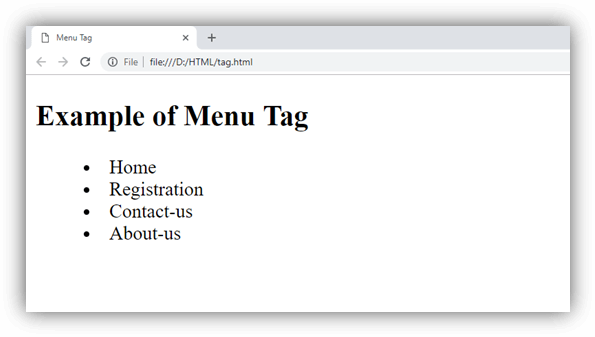
Attribute:
Tag-specific attributes:
- popup
- toolbar
- context
| Attribute | Value | Description |
|---|---|---|
label | text | It specifies the label for the menu. |
| type | It specifies the type of the menu in an HTML document. |
Global attribute:
The <menu> tag supports the global attributes in HTML
Event attribute:
The <menu> tag supports the event attributes in HTML.