HTML <sub> tag is termed as Subscript tag and which is used to define subscript text. The text within <sub> renders with a lower baseline and with a smaller font than surrounding text font.
The <sub> tag is useful for presenting mathematical formula and chemical formulas such as H2O.
Syntax
<sub>.........</sub> Following are some specifications about the HTML <sub> tag
| Display | Inline |
| Start tag/End tag | Both Start and End tag |
| Usage | Textual |
Example
<!DOCTYPE html>
<html>
<head>
     <title>Sub Tag</title>
    <style>
     body{
         text-align: center;
     }
     p{
      color: green;
     }
    </style>
</head>
<body>
<h2>Example of sub tag</h2>
<p>The chemical formula for Sulphuric acid is: H<sub>2</sub>SO<sub>4</sub></p>
</body>
</html>
Output:
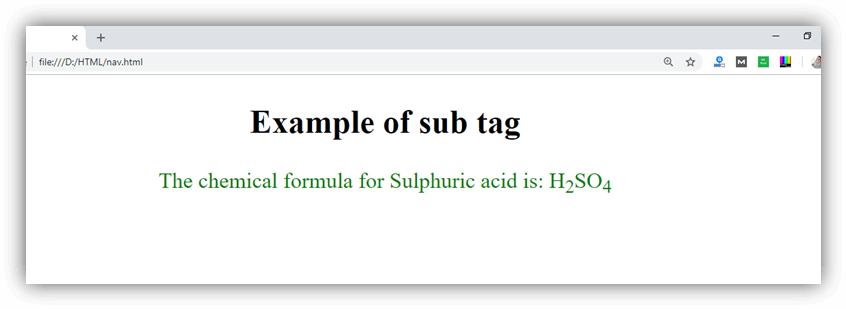
Attribute:
Tag-specific attributes:
The <sub> tag does not contain any specific attribute.
Global attribute:
The <sub> tag supports the Global attributes in HTML.
Event attribute:
The <sub> tag supports the Event attributes in HTML.