If we want to move the image to the different locations on the web page using the Html tag, we have to follow the steps which are given below.
Step 1: Firstly, we have to type the Html code in any text editor or open the existing Html file in the text editor in which we want to align an image:
<!Doctype Html>
<Html>
<Head>
<Title>
Align an Image
</Title>
</Head>
<Body>
Hello User!
This page helps us to understandhow to specify an image at a particular position in a pargraph using the Html tag.
<img src="https://image3.mouthshut.com/images/ImagesR/imageuser_m/2017/11/925747536-4559193-1.png?rnd=38062" width="100" height="100" >
</Body>
</Html>
Step 2: Now, place the cursor inside the <img> tag of that image which we want to align. And then, we have to use the align attribute of the img tag for specifying the location. So, we have to type the align attribute as same as described in the following block.
<img align="top/left/bottom/middle/right" src="https://image3.mouthshut.com/images/ImagesR/imageuser_m/2017/11/925747536-4559193-1.png?rnd=38062" width="200" height="200" > Step 3: After specifying the location, we have to save the Html code and then run the file. There are following various Html code which shows the image in the paragraph at the different locations:
1. Middle
This alignment value sets the image in the middle.
<!Doctype Html>
<Html>
<Head>
<Title>
Align an Image at middle
</Title>
</Head>
<Body>
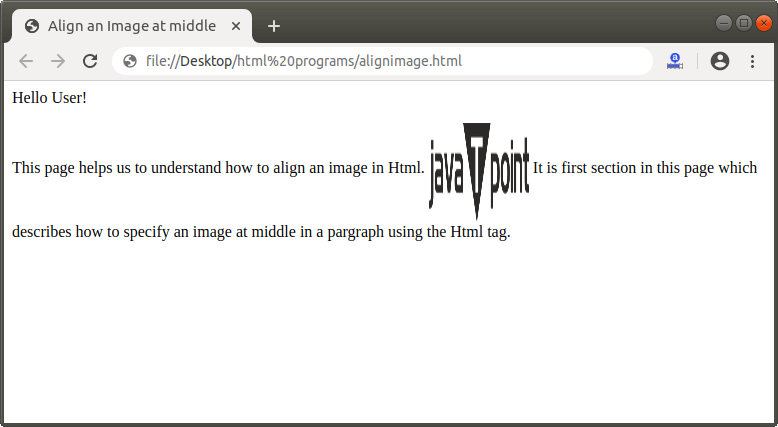
Hello User!
<p>This page helps us to understand how to align an image in Html.
<img align="middle" src="https://image3.mouthshut.com/images/ImagesR/imageuser_m/2017/11/925747536-4559193-1.png?rnd=38062" width="100" height="100" >
It is first section in this page which describes how to specify an image at middle in a pargraph using the Html tag.</p>
</Body>
</Html>
The output of above Html code is shown in the following Screenshot:
2. Top
This alignment value sets the image at the top.
<!Doctype Html>
<Html>
<Head>
<Title>
Align an Image at Top
</Title>
</Head>
<Body>
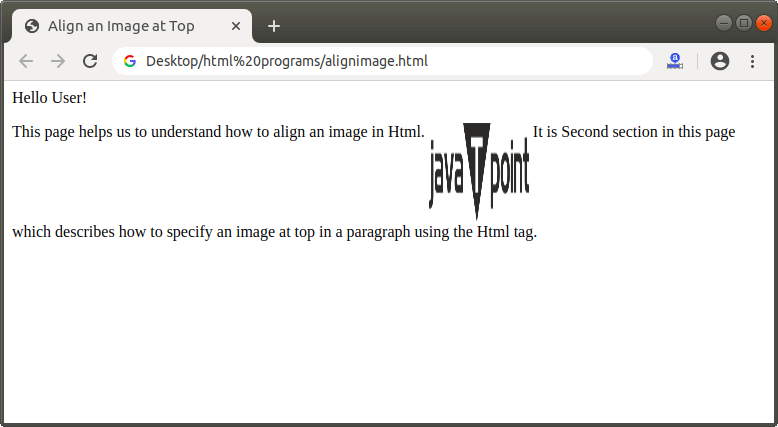
Hello User!
<p>This page helps us to understand how to align an image in Html.
<img align="Top" src="https://image3.mouthshut.com/images/ImagesR/imageuser_m/2017/11/925747536-4559193-1.png?rnd=38062" width="100" height="100" >
It is Second section in this page which describes how to specify an image at top in a paragraph using the Html tag.</p>
</Body>
</Html>
The output of above Html code is shown in the following Screenshot:
3. Bottom
This alignment value sets the image at the bottom.
<!Doctype Html>
<Html>
<Head>
<Title>
Align an Image at bottom
</Title>
</Head>
<Body>
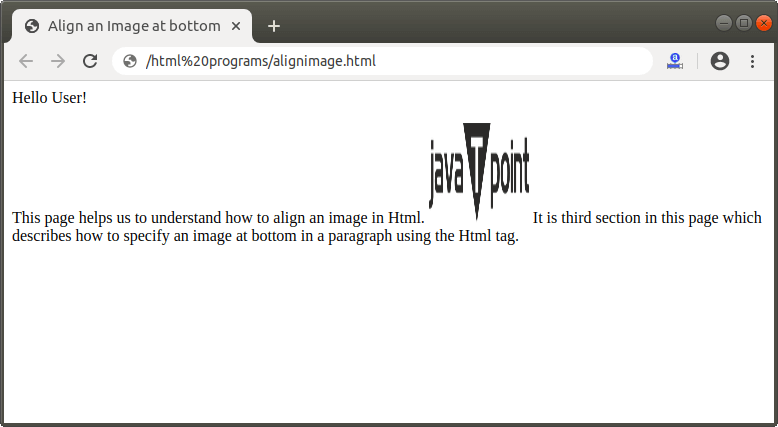
Hello User!
<p>This page helps us to understand how to align an image in Html.
<img align="bottom" src="https://image3.mouthshut.com/images/ImagesR/imageuser_m/2017/11/925747536-4559193-1.png?rnd=38062" width="100" height="100" >
It is third section in this page which describes how to specify an image at bottom in a paragraph using the Html tag.</p>
</Body>
</Html>
The output of above Html code is shown in the following Screenshot:
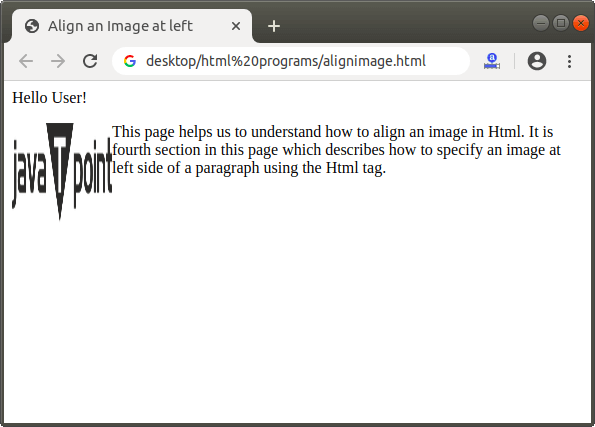
4. Left
This alignment value sets the image at the left.
<!Doctype Html>
<Html>
<Head>
<Title>
Align an Image at left
</Title>
</Head>
<Body>
Hello User!
<p>This page helps us to understand how to align an image in Html.
<img align="left" src="https://image3.mouthshut.com/images/ImagesR/imageuser_m/2017/11/925747536-4559193-1.png?rnd=38062" width="100" height="100" >
It is fourth section in this page which describes how to specify an image at left side of a paragraph using the Html tag.</p>
</Body>
</Html>
The output of above Html code is shown in the following Screenshot:
5. Right
This alignment value sets the image at the right.
<!Doctype Html>
<Html>
<Head>
<Title>
Align an Image at Right
</Title>
</Head>
<Body>
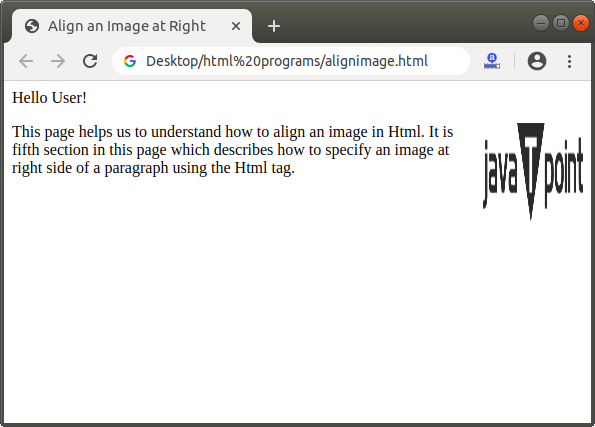
Hello User!
<p>This page helps us to understand how to align an image in Html.
<img align="right" src="https://image3.mouthshut.com/images/ImagesR/imageuser_m/2017/11/925747536-4559193-1.png?rnd=38062" width="100" height="100" >
It is fifth section in this page which describes how to specify an image at right side of a paragraph using the Html tag.</p>
</Body>
</Html>
The output of above Html code is shown in the following Screenshot: