The clip property allows a rectangle to clip a positioned element. The rectangle is specified as four coordinates: top, right, bottom, left. The values of top and bottom specify offsets from the inside top border edge of the box, while the values of right and left specify offsets from the inside left border edge of the box. All four sides may be either a length or auto. “Auto” is the default value.
The clip property does not work if the value of the overflow property is set to visible.
| Initial Value | auto |
| Applies to | “Absolutely” positioned elements. |
| Inherited | No. |
| Animatable | Yes. Background-color is animatable. |
| Version | CSS2 |
| DOM Syntax | object.style.clip = “rect(10px,40px,40px,10px)”; |
Syntax
clip: auto | shape | initial | inherit;Example of the clip property:
<!DOCTYPE html>
<html>
  <head>
    <title>Title of the document</title>
    <style>
      img {
        position: absolute;
        clip: auto;
      }
    </style>
  </head>
  <body>
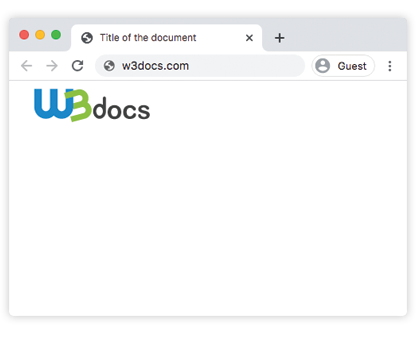
    <img src="/uploads/media/default/0001/01/003e5c463668d174ab70bea245c192d81901a4a6.png" alt="W3docs.com">
  </body>
</html>
Result
In the following example the rectangle clips the image according to the set values.
Example of the clip property with the “rect” value:
<!DOCTYPE html>
<html>
  <head>
    <title>Title of the document</title>
    <style>
      img {
        position: absolute;
        clip: rect(0px, 70px, 200px, 0px);
      }
    </style>
  </head>
  <body>
    <img src="/uploads/media/default/0001/01/003e5c463668d174ab70bea245c192d81901a4a6.png" alt="W3docs.com logo">
  </body>
</html>