If we want to move an image in Html then we have to follow the steps which are given below. Using these steps, we can easily move an image.
Step 1: Firstly, we have to type the Html code in any text editor or open the existing Html file in the text editor in which we want to move an image.
<!Doctype Html>
<Html>
<Head>
<Title>
Move an Image
</Title>
</Head>
<Body>
Hello User!... <br> <center>
<img src="https://www.javatpoint.com/images/logo/jtp_logo.png" width="100" height="100" > </center>
</Body>
</Html>
Step 2: Now, we have to place the cursor before the <img> tag of that image which we want to move. And, then we have to type the <marquee> tag. The marquee tag is used for moving the things on a web page.
<marquee>
<img src="https://www.javatpoint.com/images/logo/jtp_logo.png" width="100" height="100" >
Step 3: And after <img> tag, we have to close the <marquee> tag.
<marquee>
<img src="https://www.javatpoint.com/images/logo/jtp_logo.png" width="100" height="100" > </marquee>
Step 4: And, at last, we have to save the Html file and then run the file in the browser.
<!Doctype Html>
<Html>
<Head>
<Title>
Move an Image
</Title>
</Head>
<Body>
Hello User!... <br> <center>
<marquee>
<img src="https://www.google.com/images/logo/jtp_logo.png" width="100" height="100" > </marquee> </center>
</Body>
</Html>
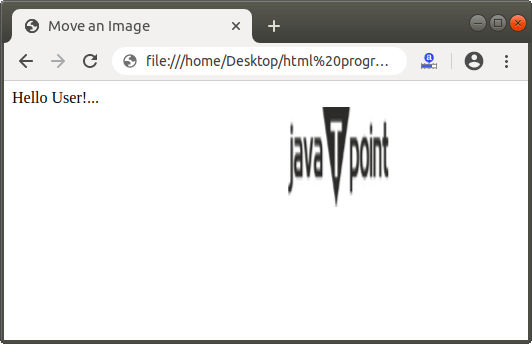
The following screenshot shows the output of the above Html code: