The Html <button onclick=” “> is an event attribute, which executes a script when the button is clicked. This attribute is supported by all browsers. It is also used to call a function when the button is clicked.
Syntax:
<button onclick=" single value script"> Examples:
Example 1: Following example describes how to use the button tag:
<!DOCTYPE HTML>
<html>
<head>
<title>
example of onclick button
</title>
<script>
function welcome() {
window.open("https://www.javatpoint.com/");
}
</script>
</head>
<body style = "text-align:center">
<button onclick="welcome()"> Welcome to our website </button>
</body>
</html>
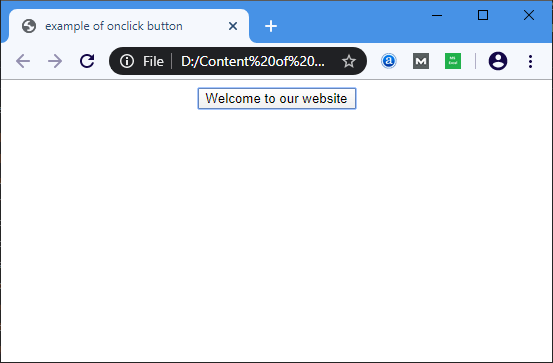
Output:
Browser Support
| Element |  Chrome Chrome |  IE IE |  Firefox Firefox |  Opera Opera |  Safari Safari |
| <onClick> | Yes | Yes | Yes | Yes | Yes |