The HTML <center> is a block level element which contains both block level and inline contents within it. The content written between the <center> elements will be displayed at the middle of the page.
The <center> tag has been deprecated in HTML 4 and obsolete in HTML5.
Syntax
<center>Add Content Here....</center> Following are some specifications about the <center> tag
| Display | Inline |
| Start tag/End tag | Both start and End tag |
| Usage | textual |
Example
<!DOCTYPE html>
<html>
<head>
    <title>Center tag</title>
 </head>
 <body>
    <h2>Example of center tag</h2>
    <center>This content is displayed in the middle of page, but try to use CSS property to align the content as this tag is deprecated now.</center>
  </body>
</html>
Using CSS
<!DOCTYPE html>
<html>
<head>
    <title>Center tag</title>
    <style >
        h2{
         text-align: center;}
    </style>
 </head>
 <body>
      <h2>Example of center tag</h2>
      <p>This content is align centered using CSS property</p>
  </body>
</html>
Output:
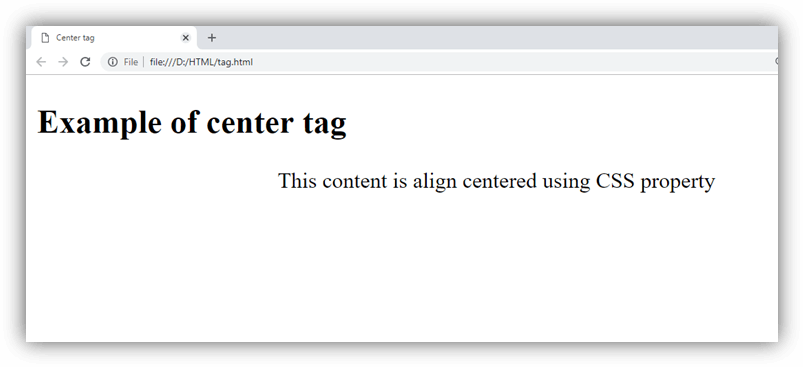
Attribute
HTML <center> tag does not contain any specific attribute in HTML but it supports the Global Attribute (till <center> tag is not removed completely).
Supporting Browsers
| Element |  Chrome Chrome |  IE IE |  Firefox Firefox |  Opera Opera |  Safari Safari |
| <center> | Yes | Yes | Yes | Yes | Yes |