HTML <frame> tag define the particular area within an HTML file where another HTML web page can be displayed.
A <frame> tag is used with <frameset>, and it divides a webpage into multiple sections or frames, and each frame can contain different web pages.
Syntax:
< frame src = "URL" > Following are some specifications about the HTML <frame> tag
| Display | Block |
| Start tag/End tag | Start tag(required), End tag(forbidden) |
| Usage | Frames |
Example 1
Create Vertical frames:
<!DOCTYPE html>
<html>
<head>
    <title>Frame tag</title>
</head>
  <frameset cols="25%,50%,25%">
    <frame src="frame1.html" >
    <frame src="frame2.html">
    <frame src="frame3.html">
  </frameset>
</html>
Output:

Frame1.html
<!DOCTYPE html>
<html>
<head>
    <style>
       div{
                            background-color: #7fffd4;
         height: 500px;
        }
    </style>
</head>
<body>
    <div>
        <h2>This is first frame</h2>
    </div>
 </body>
</html>
Frame2.html
<!DOCTYPE html>
<html>
<head>
    <style>
       div{
         background-color: #2f4f4f;
         height: 500px;

       }
    </style>
</head>
<body>
    <div>
        <h2>This is Second frame</h2>
    </div>
 </body>
</html>
Frame3.html
<!DOCTYPE html>
<html>
<head>
    <style>
       div{
         background-color: #c1ffc1;
         height: 500px;
                      }
    </style>
</head>
<body>
                <div>
          <h2>This is Third frame</h2>
    </div>
 </body>
</html>
Example 2:
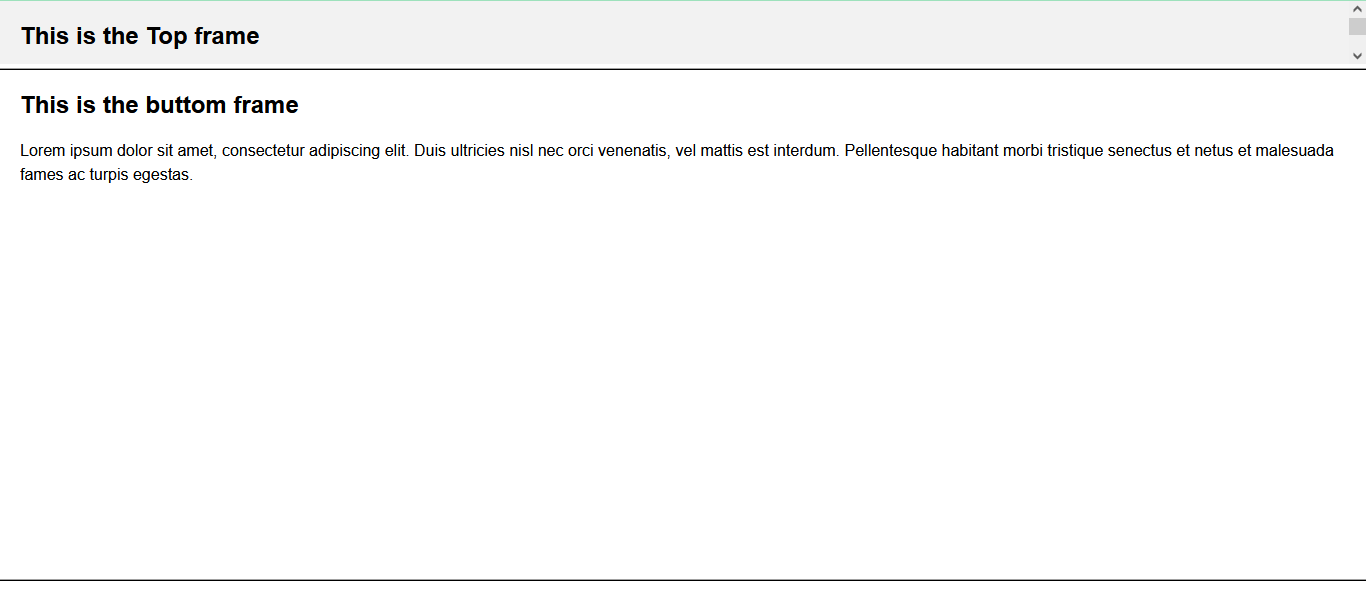
Create Horizontal frames:
<!DOCTYPE html>
<html>
<head>
    <title>Frame tag</title>
</head>
  <frameset rows="30%, 40%, 30%">
    <frame name="top" src="frame1.html" >
    <frame name="main" src="frame2.html">
    <frame name="bottom" src="frame3.html">
  </frameset>
</html>
Output:
Attribute
Tag-specific attribute
| Attribute | Value | Description |
|---|---|---|
| frameborder | 0 1 | It specifies whether to display a border around the frame or not, and its default value is 1 |
| longdsec | URL | It specifies a page which contains the long description of the content of the frame. |
| marginheight | pixels | It specifies the top and bottom margins of the frame. |
| marginwidth | pixels | It defines the height of the margin between frames. |
| name | text | It is used to assign the name to the frame. |
| noresize | noresize | It is used to prevent resizing of the frame by the user. |
| scrolling | yes no auto | It specifies the existence of the scrollbar for overflowing content. |
| src | URL | It specifies the URL of the document which we want to display in a frame. |
Supporting Browsers
| Element |  Chrome Chrome |  IE IE |  Firefox Firefox |  Opera Opera |  Safari Safari |
| <frame> | Yes | Yes | Yes | Yes | Yes |